YouTube will probably stay the most popular video hosting site of all time. With a massive global smartphone audience, the developers need to make sure everyone stays satisfied with the service.
Personalized viewing experience
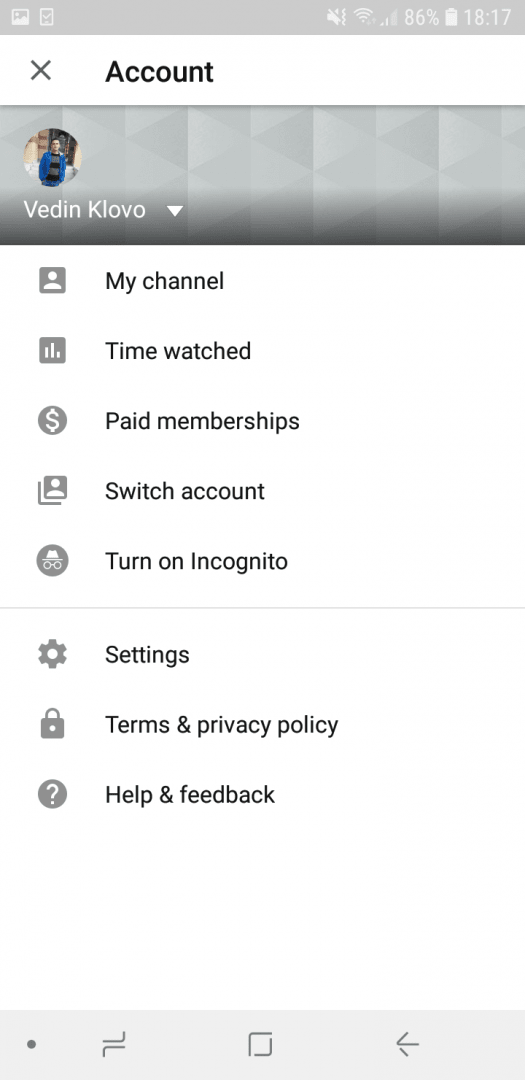
When you first open the app, you have the option to use your Google account to synchronize the channels you are subscribed to, your watch history, and so on. After you do that, you will see your own personalized home screen.
The navigation menu is located at the bottom of the screen with multiple core tabs. Ads are now displayed when you play videos and in the middle of them, but that can't be blamed on the actual Android app, as the same is true across other platforms.Mobile content creation
Steady updates over the years have enabled users to use their phones to easily record and publish content to their YouTube channels, which is incredibly useful for vloggers who want to start a live show or publish something on the go.Playback controls and navigation
After you open a video, its window displays on top of the main app interface. You can easily rewind, change the quality, and read comments. With a single tap on the screen, you can switch the video to full screen, add it to one of your playlists, or share it with anyone you know.
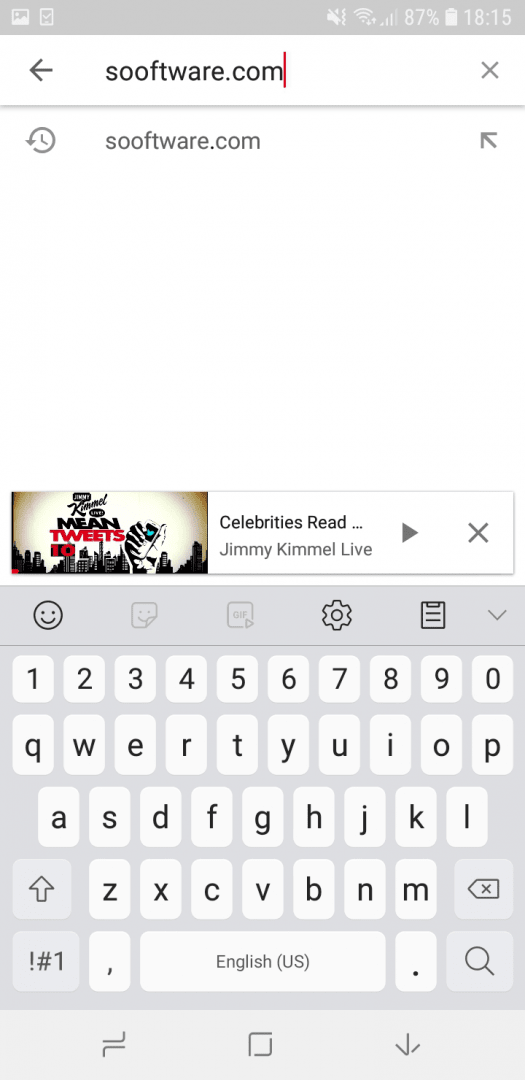
Sliding the video down minimizes the player into the lower part of the screen, enabling you to search for the next one immediately. While free users still cannot keep a video playing in the background when navigating away from the app, this functionality is officially supported through a subscription tier.
Third-party YouTube alternatives have offered this feature for a long time, including an option for offline media fetching. Despite these paywalled restrictions, the official app remains highly polished and works reliably on nearly any modern version of Android.